Connecting Analytics
In order to pull Google Analytics data, we need to connect Google Search Console to the dashboard. If you don't have a Google Search Console account, create a new one. To create a new google search console account:
- Visit https://search.google.com/ and click login with your Google Account
- Click the top left menu and the drop-down
- click on the Add Property link
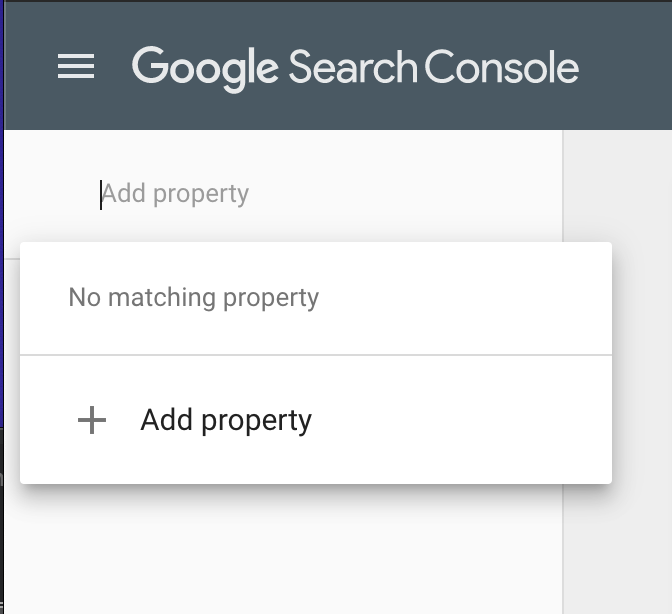
- Add the property using the Domain option.
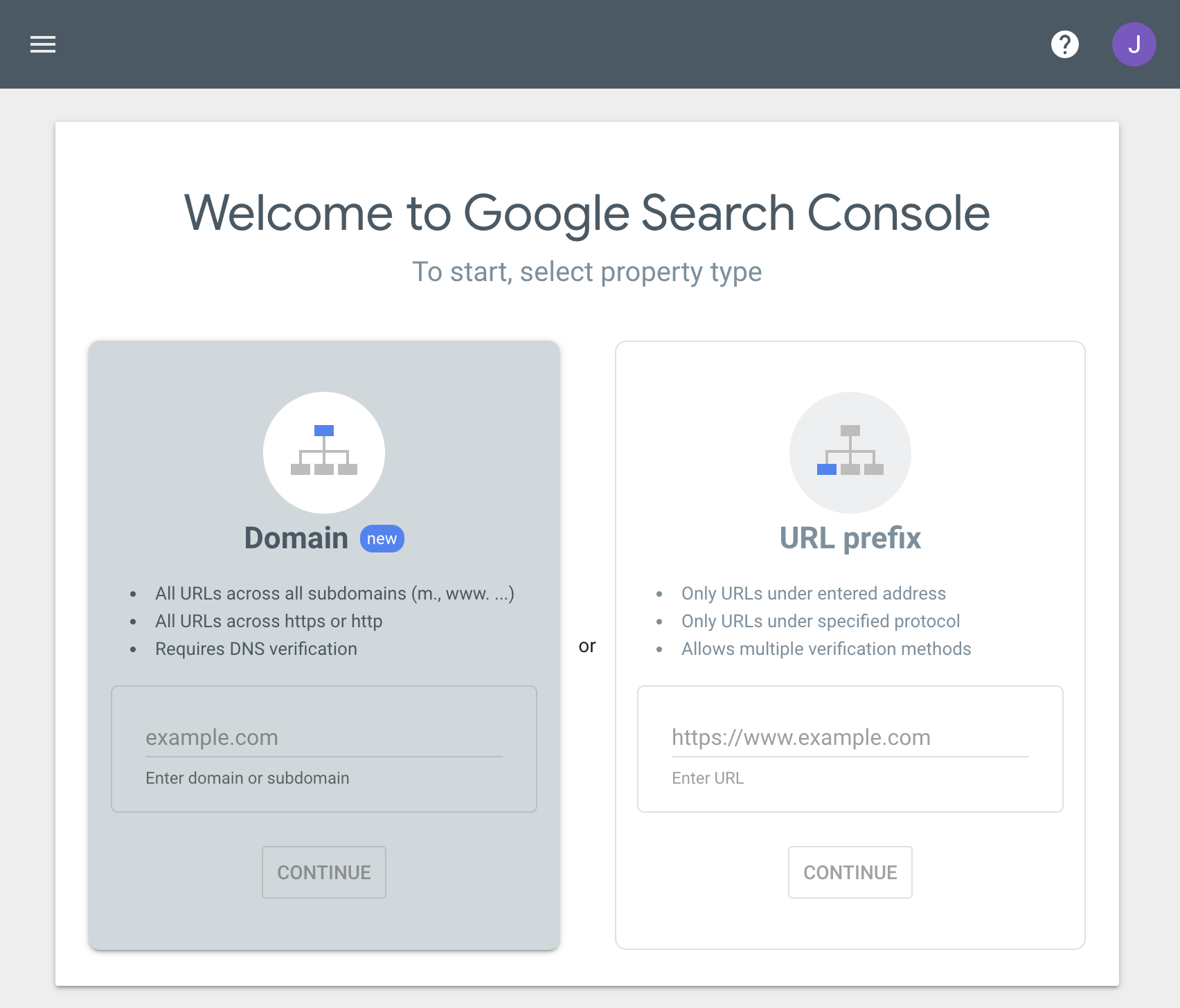
- Once you enter the domain, a google verification code will be provided. If you have access to the DNS you may add this yourself. OR you just open a ticket and provide us the verification code and we will add it for you.
- Once the verification code has been added Google Search Console will be enabled. This may take a couple of days.
If you already have a Google Search Console account, you will connect it.Once you have Google Search Console enabled, either because you have a previous account or because you created a new one, you will need to provide dashboard access.
- Once you are logged in and one property, click Settings at the bottom of the left menu.
- Then click Users and Permissions
- Click Add User in the Blue button in the top right.
- Enter the following email address webmaster@digitalcanvas.com
- Select Full Access and click ADD