Viewing Order Details
-
From the dashboard, click on the Orders icon on the left-hand side of the screen.
-
Click the order you want to view.
-
Click the Details button that pops up below the order.
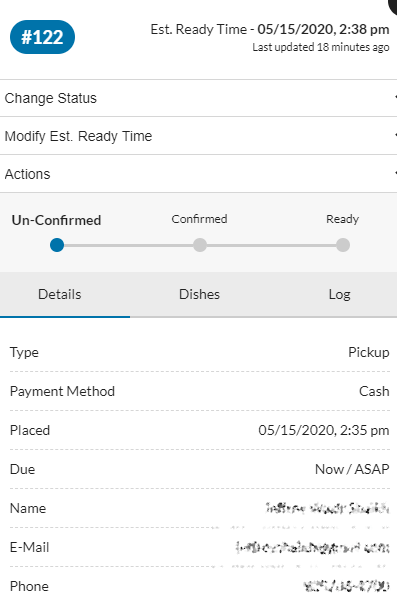
- In the window that pops up, you can view all the info for the order