Setting Up Menus
Viewing Orders
-
On the home screen, click on your restaurant's website. This will bring up your dashboard.
-
On the left-hand side of the screen, click on the Orders icon, which looks like a shopping bag.
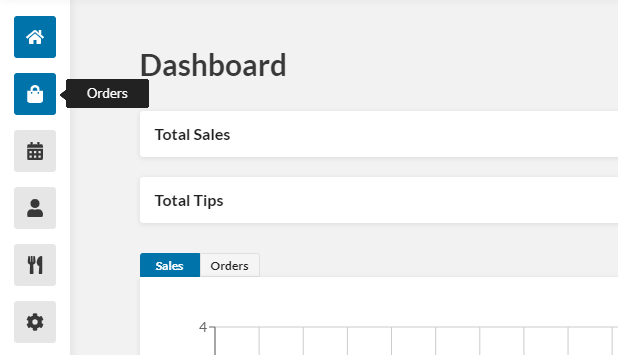
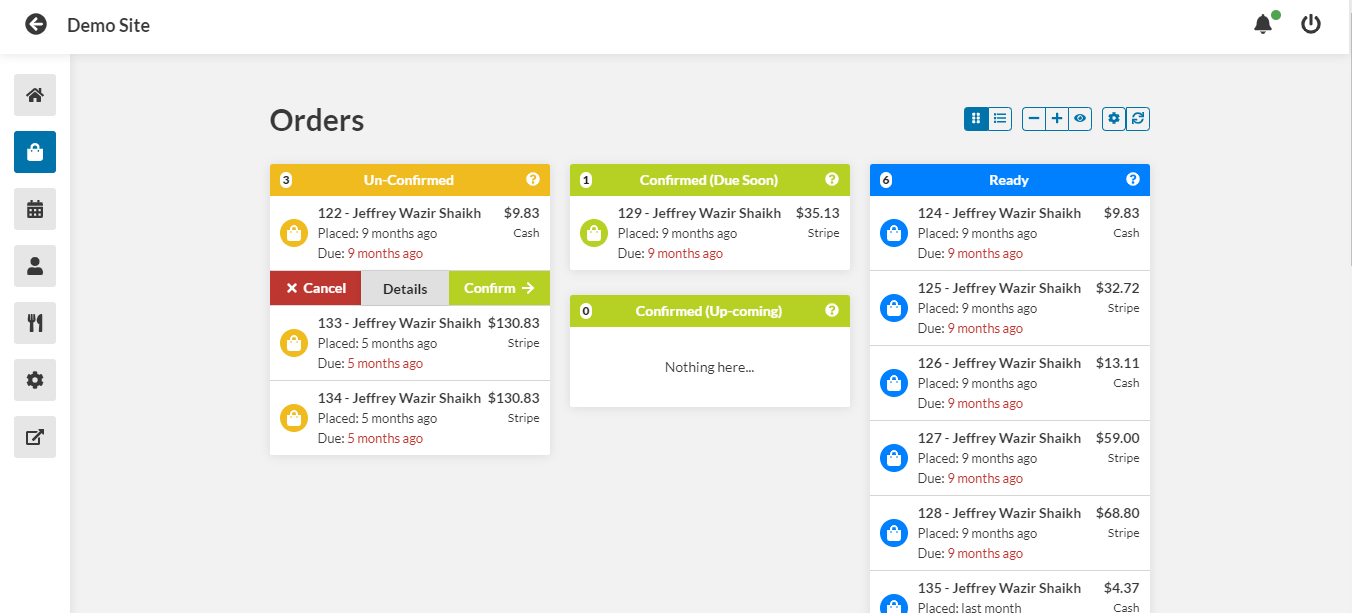
- You are now at the Orders screen. Here you can view Unconfirmed, Confirmed, Ready, On Route, Complete, and Cancelled orders.
Changing Status
- To change the status of an order, navigate to the Orders screen and click the order you would like to change the status of.
-
Click the Details button that appears below the order.
-
Towards the top of the window that pops up, click Change Status.
-
In the drop-down menu that appears, select the desired status. You can choose Cancelled, Unconfirmed, Confirmed, Ready, or Complete.
-
The order status is now updated, and you can close out of the window.